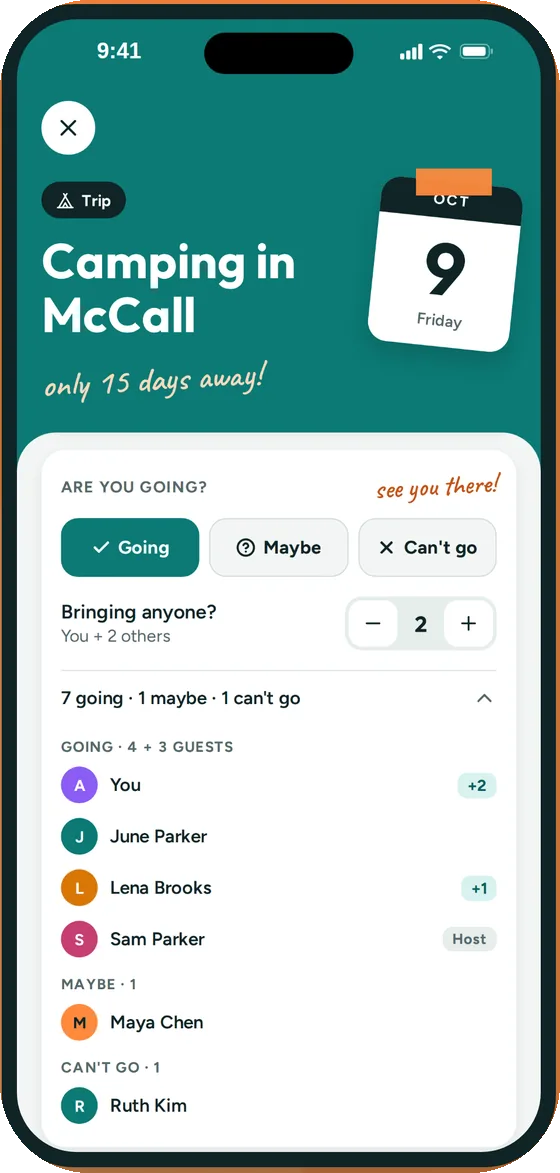
going, maybe or can't go
Know who's in
- Everyone taps Going, Maybe or Can't go
- Say how many people you're bringing
- See the headcount at a glance before you book the table
- Whoever posts the event hears when someone replies
Groupy is a shared calendar for your friend group. Post game night, the lake weekend or someone's 30th once, and everyone sees when, where and who's coming, without scrolling back through 300 messages.
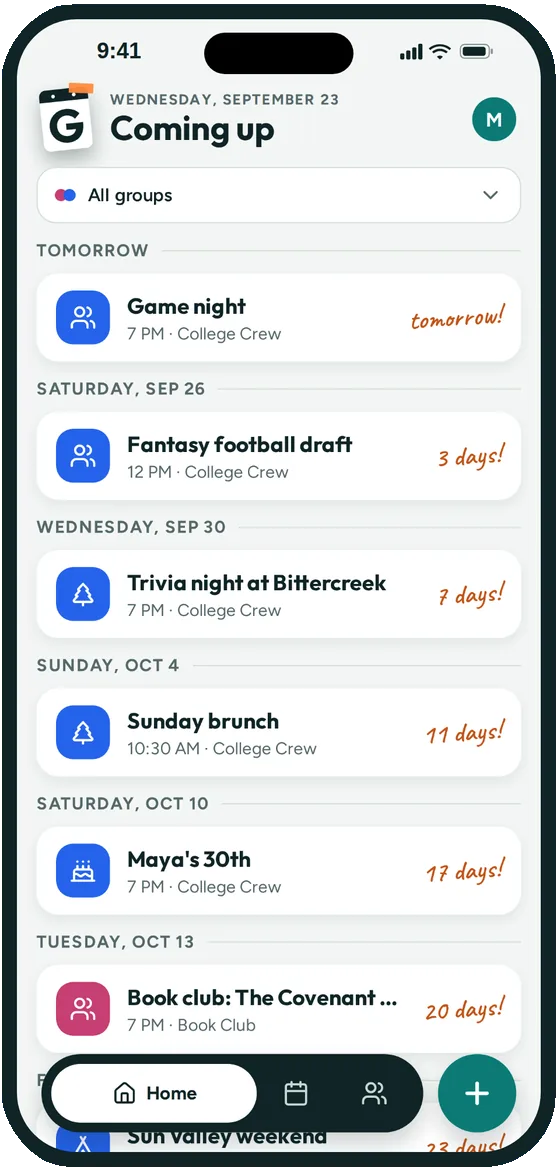
Someone floats a date, three people react with a thumbs up, two never answer, and by Friday nobody remembers if it's at Maya's or Jon's.
Keep the group chat for the jokes. Put the plans in Groupy, where every event has a date, a place and a list of who's in.
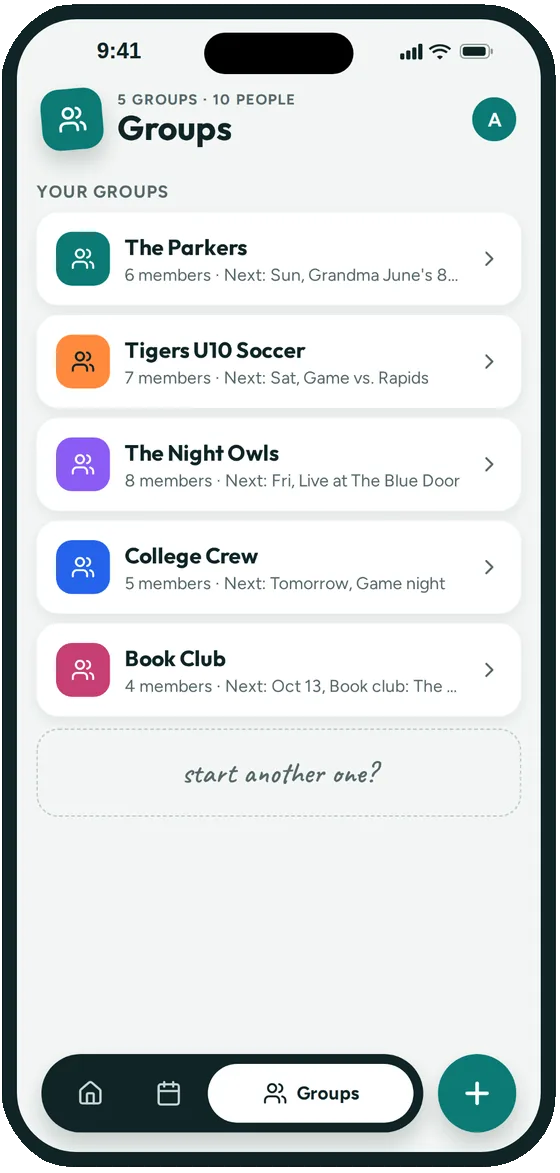
Name it after the crew, like "College Crew" or "Thursday Trivia". Anyone in the group can post events, or you can keep it to a few people.
Share the group's link or QR code in your group text. Friends tap it once and they're in.
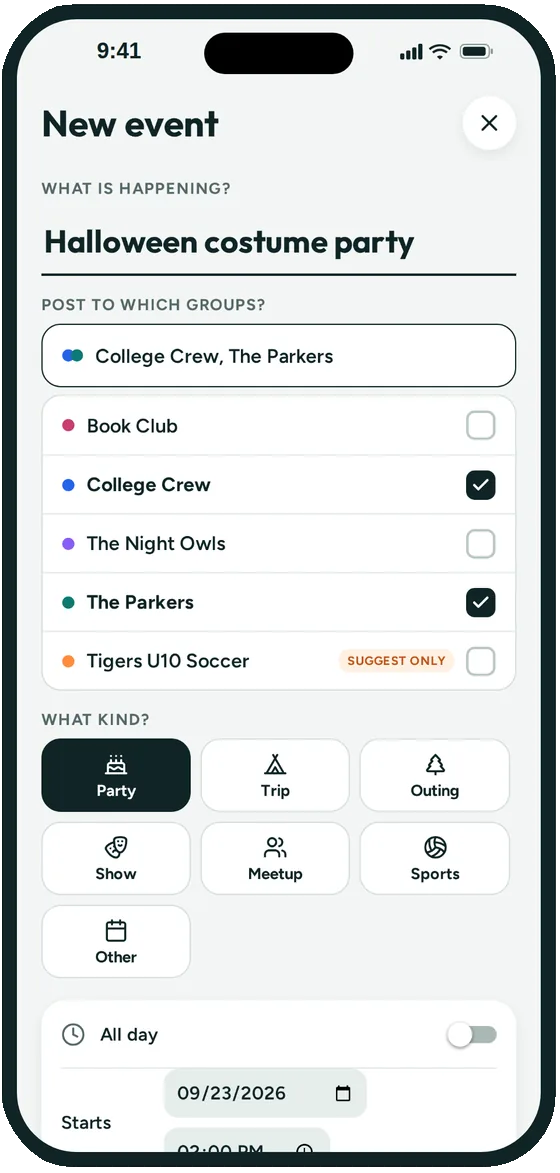
Add game night, the trip or the birthday dinner with the place from Apple Maps. Everyone taps Going, Maybe or Can't go.
Invite apps are great for a single big party: you send a link and collect RSVPs for that one night. Group chats are great for banter.
Groupy is for the friend group itself. It keeps every plan the group makes in one place, the standing trivia night, the trip in March and the birthday next week, so you're not starting a new thread for each one.
Hosting just one party? Groupy can make a one-off event: guests join from a link and are counted as coming, without joining an ongoing group. See adding events in the help center.
Yes. Everyone you want on the calendar installs Groupy on their iPhone and joins from the group's link or QR code.
By default, yes. If you'd rather keep it to a few organizers, the group's admins can switch posting to admins only or a chosen few, and everyone else can still suggest an event for an admin to approve.
Yes. When you post an event you can turn off Show who's coming. People still reply, but only you see the list.
Create a one-off event. You share its link, guests who join are counted as coming, and only you see the guest list.
Not yet. Groupy is iPhone only for now.
Joining a group is free. Creating and managing a group will need a paid subscription for the group's admin once paid plans launch. During the beta, everything in Groupy is free, and Groupy doesn't show ads.

Groupy: Shared Group Calendar is in public beta on iPhone. The link opens Apple's TestFlight app, where you install it. Ages 13 and up.